Visual Breakdown
See storage usage in a clear visual map.
 JONES MUMac Utilities
Visualise where your storage is being used and understand the files and folders consuming space.
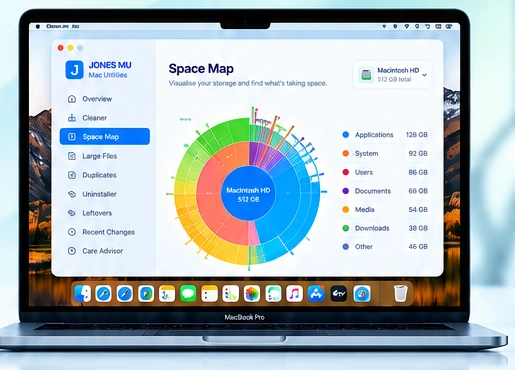
JONES scans your storage and presents a clear visual map so you can quickly understand what is using space.
See storage usage in a clear visual map.
View sizes and contents at a glance.
Quickly identify what is taking the most space.
Explore folders and files directly.
Open, reveal or continue with another JONES tool.
Understand your entire storage picture.
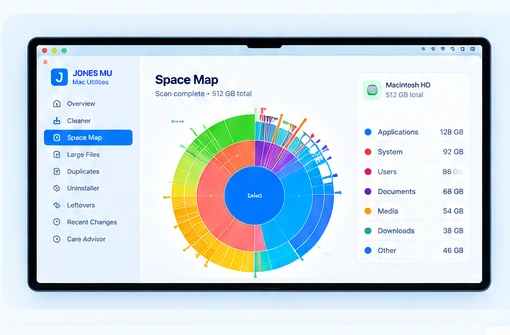
Space Map gives you an intuitive overview of your storage so you can understand what is using space and make better decisions.
From large applications to hidden folders, Space Map helps you see the bigger picture before you decide what needs attention.
Spot files and folders using the most space.
Drill into folders before taking action.
Keep what matters and remove only what you choose.