Large Documents
Find big documents and presentations.
 JONES MUMac Utilities
Find large items that deserve your attention and decide what should stay or go.
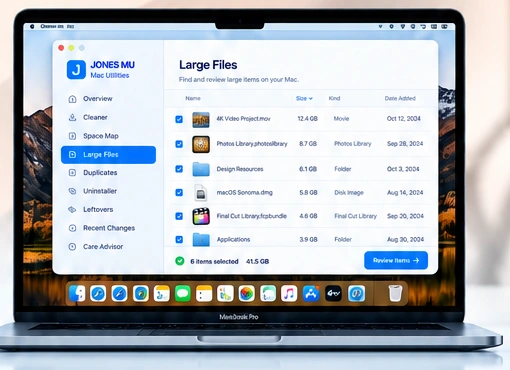
JONES identifies large files and folders so you can quickly review what is consuming valuable storage.
Find big documents and presentations.
Identify large photos, videos and audio files.
Locate DMG and installer files.
Find large items in Downloads.
Identify large files regardless of type.
Sort by size, date or file type.
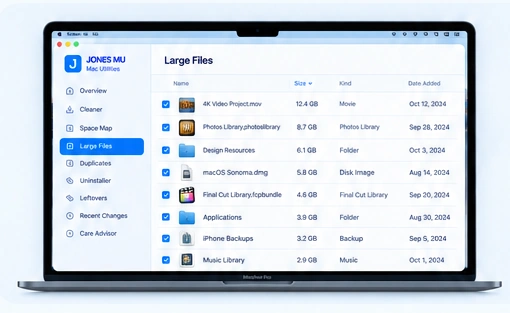
Large Files gives you a clear list of your biggest items so you can review details, open or reveal them, and decide what should stay.
Review sizes, types, locations and dates before deciding whether an item should remain on your Mac.
Know what is taking up space.
See file type, size and location.
Nothing happens until you choose.