Recent Files
See recently created or modified files.
 JONES MUMac Utilities
Understand recent file and storage activity that may explain changes on your Mac.
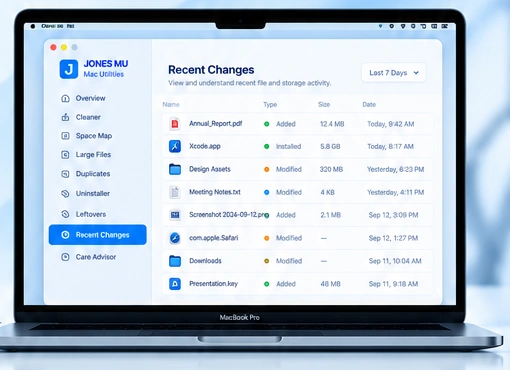
JONES highlights recent file, application and storage activity so you can understand what has changed.
See recently created or modified files.
Review newly installed or recently changed applications.
Understand changes in disk usage.
View recent activity chronologically.
Quickly access items that need attention.
Spot unexpected changes and investigate further.
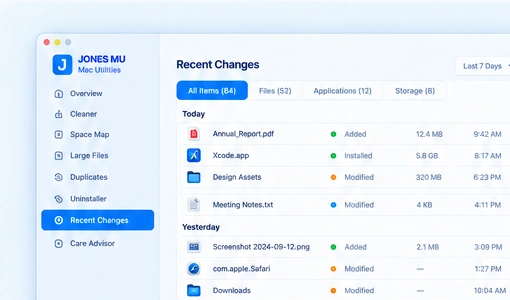
Recent Changes provides a clear view of activity that may be affecting your storage, applications or files.
Use recent activity as context before deciding whether anything on your Mac needs attention.
See recent activity in one place.
Investigate unusual changes quickly.
Understand before taking action.